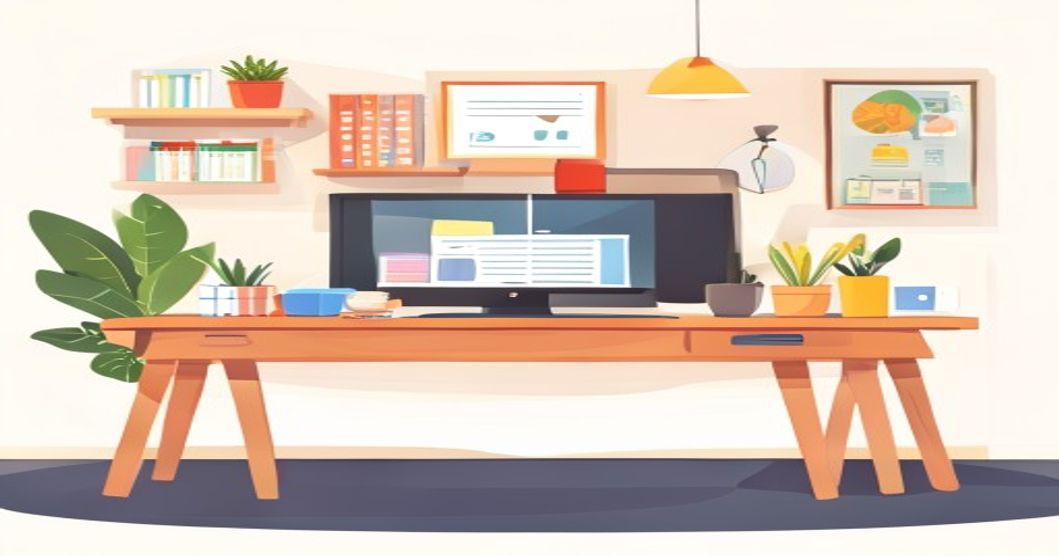
The shift to remote and hybrid work is here to stay in India, and whether you're a freelancer, a startup founder, or a professional with flexible work options, a dedicated home office is no longer a luxury—it's a productivity essential. But the thought of setting one up can be daunting, especially when you're trying to keep costs low. The good news? You don't need a lavish setup or a massive budget. With smart planning and savvy choices, you can create a functional, comfortable, and inspiring workspace that won't break the bank. Let's break down how to build your productive sanctuary step-by-step.
The Foundation: Choosing and Optimizing Your Space
Your first task isn't buying gear; it's claiming your territory. Even in a compact Indian apartment, a dedicated corner can become your command center. The key is consistency—using the same spot daily trains your brain to enter "work mode."
Look for a quiet area with minimal household traffic, preferably near a window for natural light. If a separate room isn't an option, get creative. A quiet bedroom corner, a partitioned section of the living room, or even a converted balcony (with proper insulation) can work wonders. The goal is physical and psychological separation from your living space. Once you've claimed your spot, optimize it:
- Declutter Ruthlessly: A clear space equals a clear mind. Use inexpensive storage boxes, wall-mounted shelves (from Flipkart or local markets), or a simple rolling cart to keep essentials handy but out of sight.
- Manage Light & Air: Position your desk to avoid screen glare. A good table lamp is a worthy investment for evenings. A small indoor plant like a snake plant or money plant can improve air quality and mood for a minimal cost.
- Control Noise: If your environment is noisy, consider affordable foam earplugs or basic, comfortable over-ear headphones. They are a game-changer for concentration.
The Workhorse: Desk and Chair on a Budget
This is where ergonomics meet economics. You'll spend hours here, so don't compromise too much on comfort, but you can absolutely avoid overspending.
For your desk, think beyond traditional "office tables." A sturdy, flat-door from a local carpenter placed on two filing cabinets or adjustable legs creates a perfect, cheap desk. Repurposing an old dining table or a wall-mounted fold-down table are also excellent space-saving solutions. If buying new, check Ikea for their budget-friendly table tops and leg combinations, or browse the "Office Furniture" section on Flipkart and Amazon during sale seasons.
The chair is your most critical investment. A bad chair leads to back pain and lost productivity. You don't need a ₹20,000 ergonomic throne, but avoid the ₹2,000 plastic ones. Aim for the mid-range (₹5,000 - ₹10,000) where you can find decently padded, adjustable office chairs with lumbar support. Look for brands like Green Soul or Featherlite on online marketplaces, and always check return policies. A good cushion can also upgrade a basic chair.
Tech Essentials Without the Premium Price Tag
You don't need the latest MacBook Pro to be productive. Focus on reliability and value.
- The Core Machine: Assess your actual needs. For most office work, browsing, and video calls, a budget laptop with an i3/Ryzen 3 processor, 8GB RAM, and an SSD will be perfectly adequate. Brands like Acer, Asus, and Lenovo offer great options under ₹40,000. Consider refurbished models from certified sellers for even better value.
- Connectivity is King: A stable internet connection is non-negotiable. Use an Ethernet cable directly to your laptop for the most reliable connection, especially for important video meetings. If that's not possible, invest in a good dual-band Wi-Fi router and position it strategically.
- Affordable Peripherals: A wireless mouse and keyboard combo from Logitech or Cosmic Byte can be found for under ₹2,000 and drastically improve comfort. An external monitor is a huge productivity booster; look for a 22-24 inch Full HD display from brands like LG or Samsung in the ₹8,000-12,000 range.
- Video & Audio: Your laptop's built-in webcam and mic might suffice. For an upgrade, a basic 1080p webcam (₹2,000-3,000) and a lavalier mic (under ₹1,000) will make you look and sound crystal clear on Zoom or Google Meet calls.
Lighting and Ambiance for Focus
Proper lighting reduces eye strain and boosts energy. The ideal setup combines ambient, task, and natural light.
During the day, leverage natural light from a window (but not directly behind you on camera). For task lighting, a simple, adjustable LED desk lamp with warm-white light is perfect for focused work after dark. For ambient lighting, a smart bulb (from brands like Wipro or Philips) allows you to adjust color temperature and brightness from your phone for under ₹1,000, helping you wind down in the evening. Personalize your space with a few inexpensive items—a photo, a plant, or motivational art—to make it a place you want to be in.
Software, Tools, and Staying Organized
Your physical setup is ready; now let's optimize your digital workspace. Start with free and freemium tools that are powerful enough for most professionals.
- Productivity & Communication: Use Google Workspace (Gmail, Drive, Docs, Sheets) or Microsoft 365 basic plans for collaboration. Slack and Zoom have robust free tiers for team chat and meetings.
- Project Management: Trello, Asana, and Notion offer excellent free plans to manage your tasks and projects visually.
- Security: Use a free password manager like Bitwarden and enable two-factor authentication everywhere. A basic antivirus is essential; Windows Defender is quite good, but you can also consider affordable options from Quick Heal.
Create a digital filing system on your computer and cloud drive. Name files consistently (e.g., YYYY-MM-DD_ProjectName_Document) and back up critical data regularly to an external hard drive or cloud service like Google Drive.
Maintaining Your Budget Sanctuary
Setting up is one thing; maintaining productivity and well-being is another. Establish clear routines. Start your day at a fixed time, dress for work (even if it's just changing out of pajamas), and define a hard stop time to prevent burnout. Take short breaks every hour—the 20-20-20 rule (look 20 feet away for 20 seconds every 20 minutes) saves your eyes. Finally, at the end of each day, spend five minutes tidying your desk. A clean start tomorrow is a gift to your future self.
Next Steps
Your productive, budget-friendly home office is now within reach. Remember, start with what you have and upgrade gradually based on your needs. For more practical guides on boosting your career from home, explore our productivity tips section. If you're looking to skill up for better remote opportunities, browse our curated list of free online courses in high-demand fields like digital marketing, data analysis, and programming. Ready to find your next role? Check out our job-seeking resources tailored for the Indian market.
Share this article
Keep learning on UnboxCareer
Explore free courses, certificates, and career roadmaps curated for Indian students.